![bmk logo dark@2x.png]](https://info.biomemakers.com/hs-fs/hubfs/Web%20Images/Logos/bmk%20logo%20dark@2x.png?height=30&name=bmk%20logo%20dark@2x.png)
Logging In
-
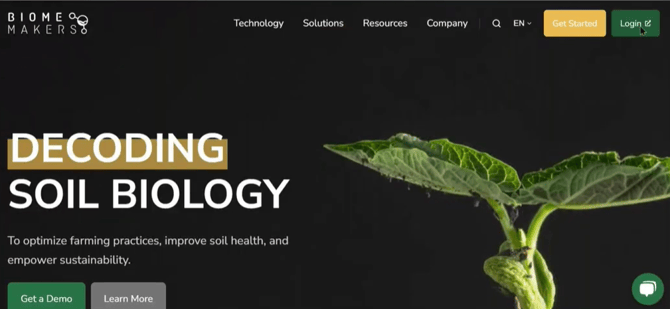
Go to biomemakers.com.
-
Click Login in the top-right corner.
-
Enter your email and password (set up during your account activation).
-
Once logged in, you’ll land on the Dashboard.
Need help creating your account? See our guide: Creating Your BeCrop® Portal Account.
Dashboard Overview
The home dashboard allows you to manage your account and explore our core products; BC Farm, BC Trials and BC Test; each product provides not only the results, but its own features and tools:
-
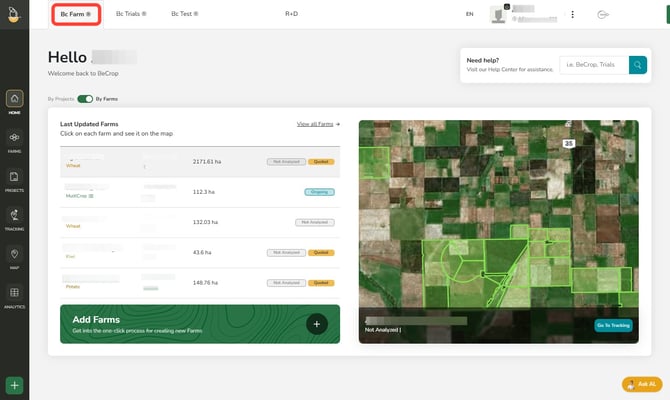
BC Farm
Access BeCrop® Farm module. Add shapefiles, navigate and download the results and raw scores, and check project status - Click here to navigate all the BC Farm Portal features
-
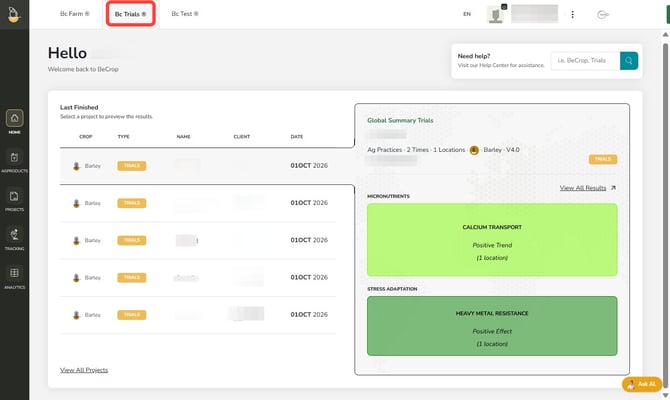
BC Trials
Access BeCrop® Trials projects. View results in-browser, download reports, raw scores and check project status - Click here to navigate all the BC Trials Portal features
-
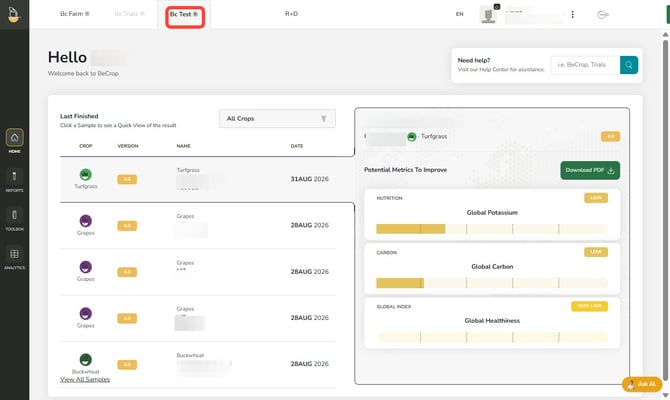
BC Test
BeCrop® Test module. The place to access your individual sample reports, organize the parcels, metadata and analytical tools - Click here to navigate all the BC Test Portal features
-
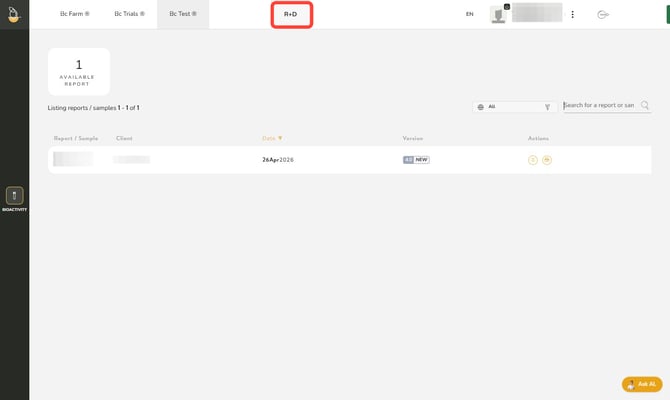
R&D*
Analyze your product samples with us, such as soil amendments, compost, and other Ag Products. Access and download the Bioactivity Report with your results in the R&D tab.
*This tab is only available if you have product samples analyzed.
Managing Your Account
Click on your profile box in the top-right corner to access:
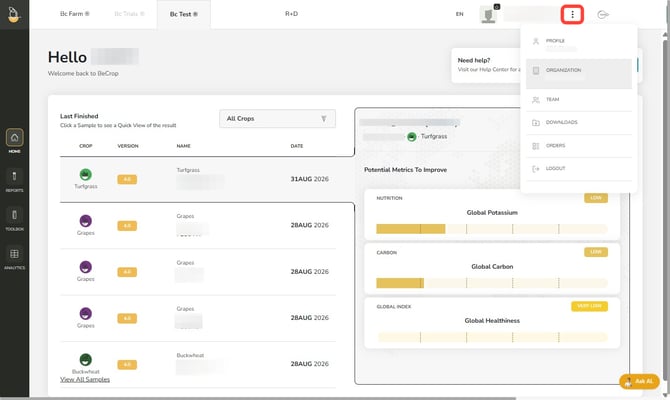
- Profile & Organization: Update your details or organization info
- Team: Add or remove members of your organization (invite via email)
- Downloads: Access taxa files.
- Orders: Review the batches of samples received and request a new shipment.
Click on the language box, on the left of the profile box, to change between English (EN), Spanish (ES), French (FR) or Portuguese (PT).
If you are a distributor managing multiple sub-client accounts, discover the Distributor Portal features here.
Troubleshooting & Support
If you encounter errors or need assistance, please contact the Customer Success Team:
- North America: uscs@biomemakers.com
- Europe & Latam: eucs@biomemakers.com