![bmk logo dark@2x.png]](https://info.biomemakers.com/hs-fs/hubfs/Web%20Images/Logos/bmk%20logo%20dark@2x.png?height=30&name=bmk%20logo%20dark@2x.png)
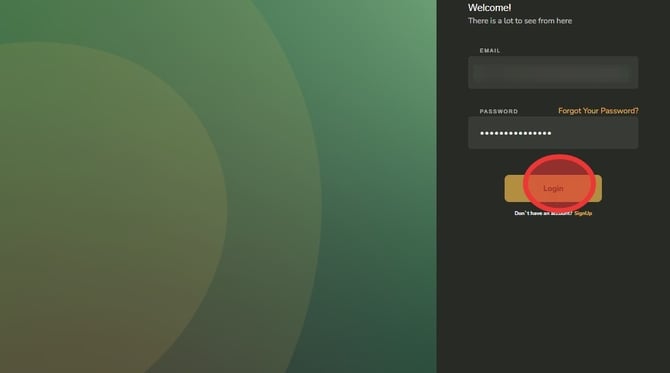
1. Navigate to https://portal.becrop.com/login & Click "Login"
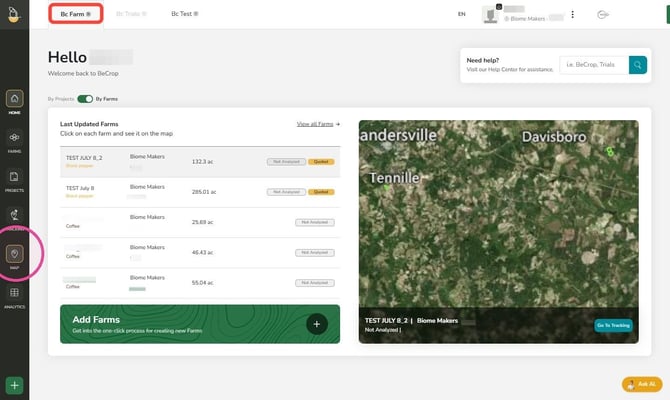
2. Inside the BC Farm module, click Map in the left side pannel
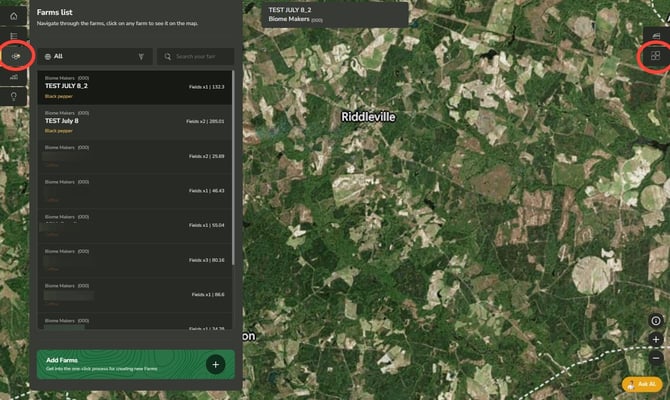
3. Click Farms list icon to view the list all the farms uploaded into your BeCrop Portal account- Select a farm from the list. Click the Farm Zonification button on the right side to see the sampling points.
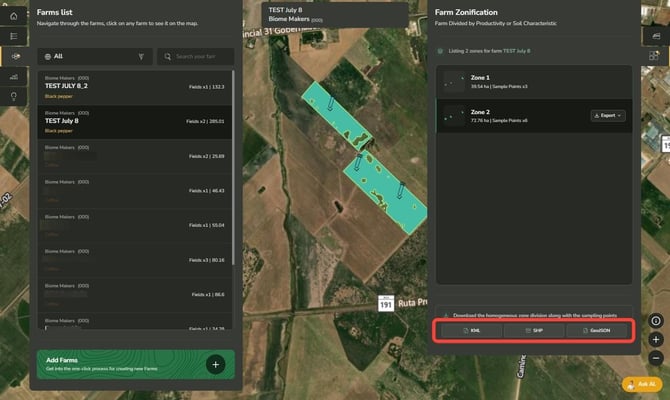
4. Download the homogeneous zone division along with the sampling points. Choose between KML, SHP or GeoJSON