![bmk logo dark@2x.png]](https://info.biomemakers.com/hs-fs/hubfs/Web%20Images/Logos/bmk%20logo%20dark@2x.png?height=30&name=bmk%20logo%20dark@2x.png)
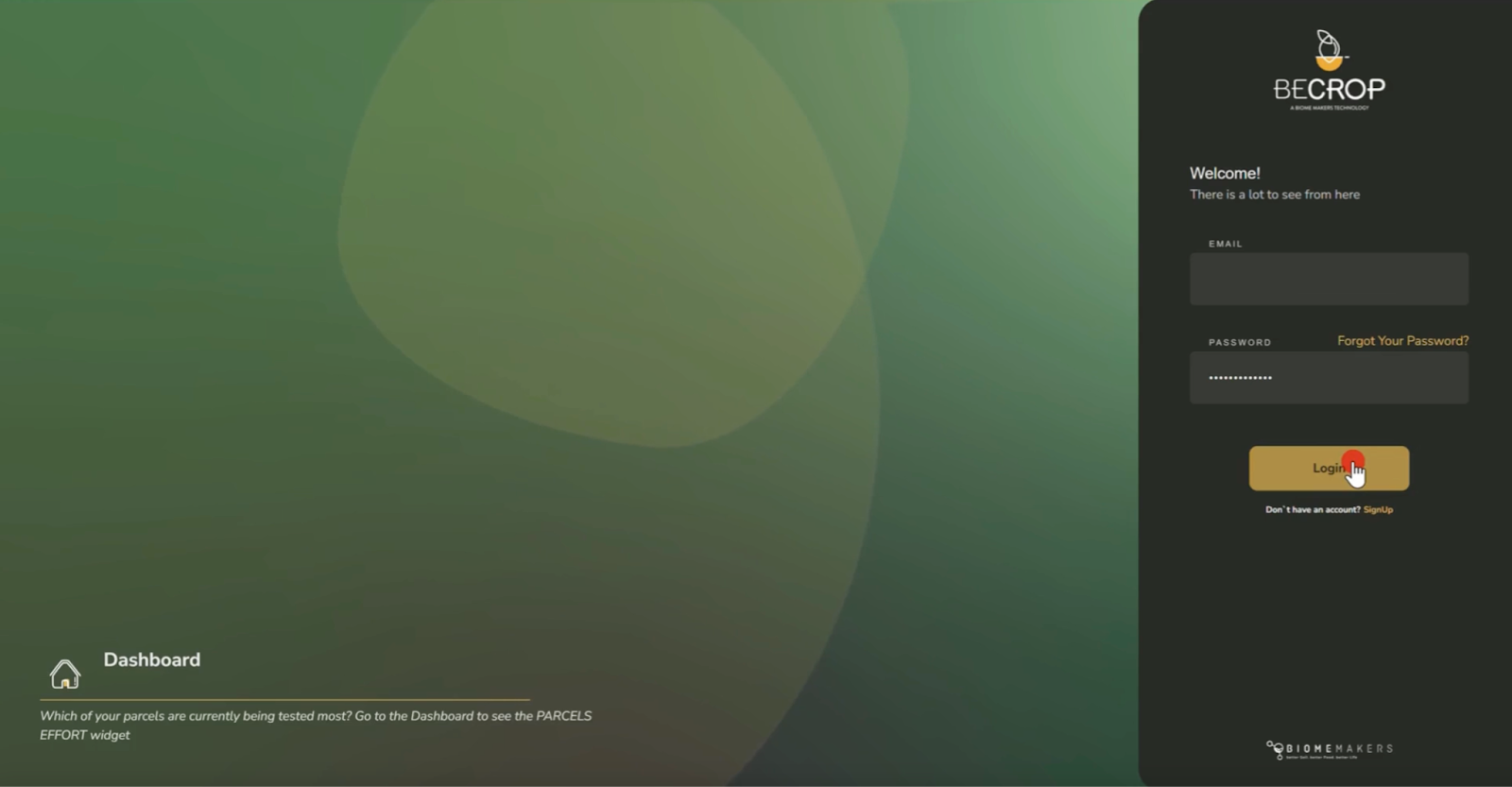
1. Log In to the BeCrop Portal
Go to portal.becrop.com. Enter your email and password, then click Log In.
If you’re new, click Sign Up to create your account, or check out our guide on how to create your account.
.
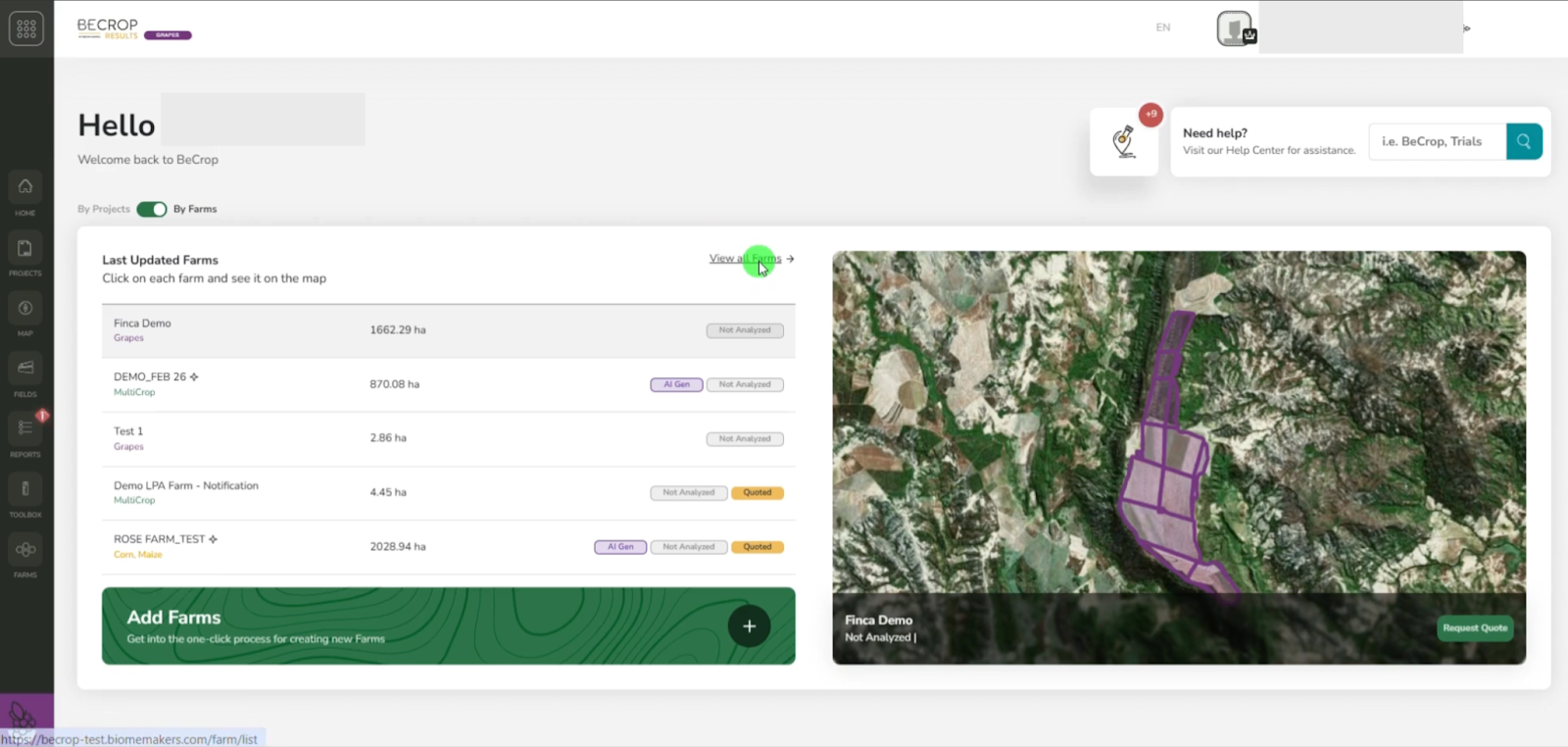
2. View All Farms
Once logged in, click “View All Farms” to see your available farms.
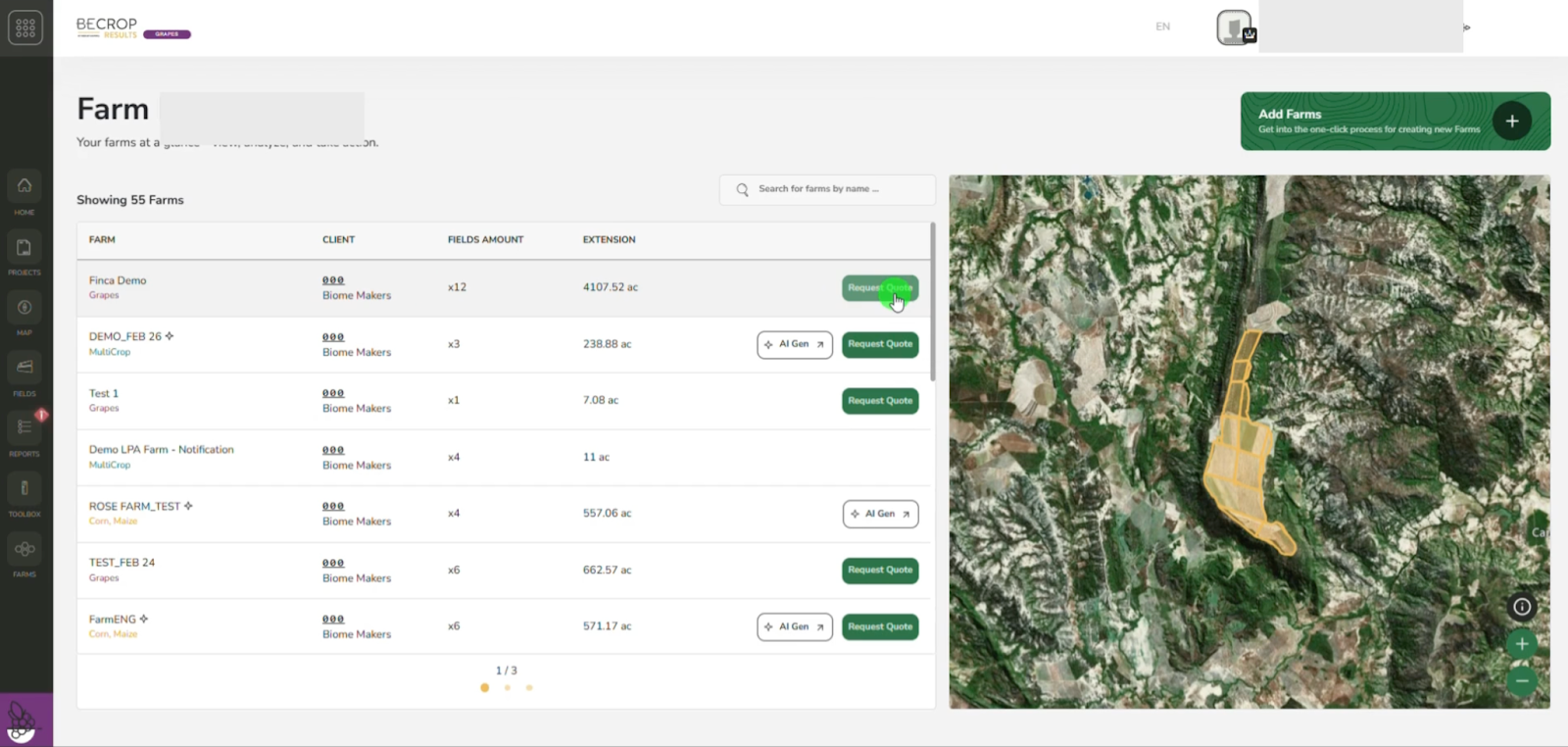
3. Click “Request Quote”
Find the farm you want to enroll and click “Request Quote.”
4. Set Your Project Preferences
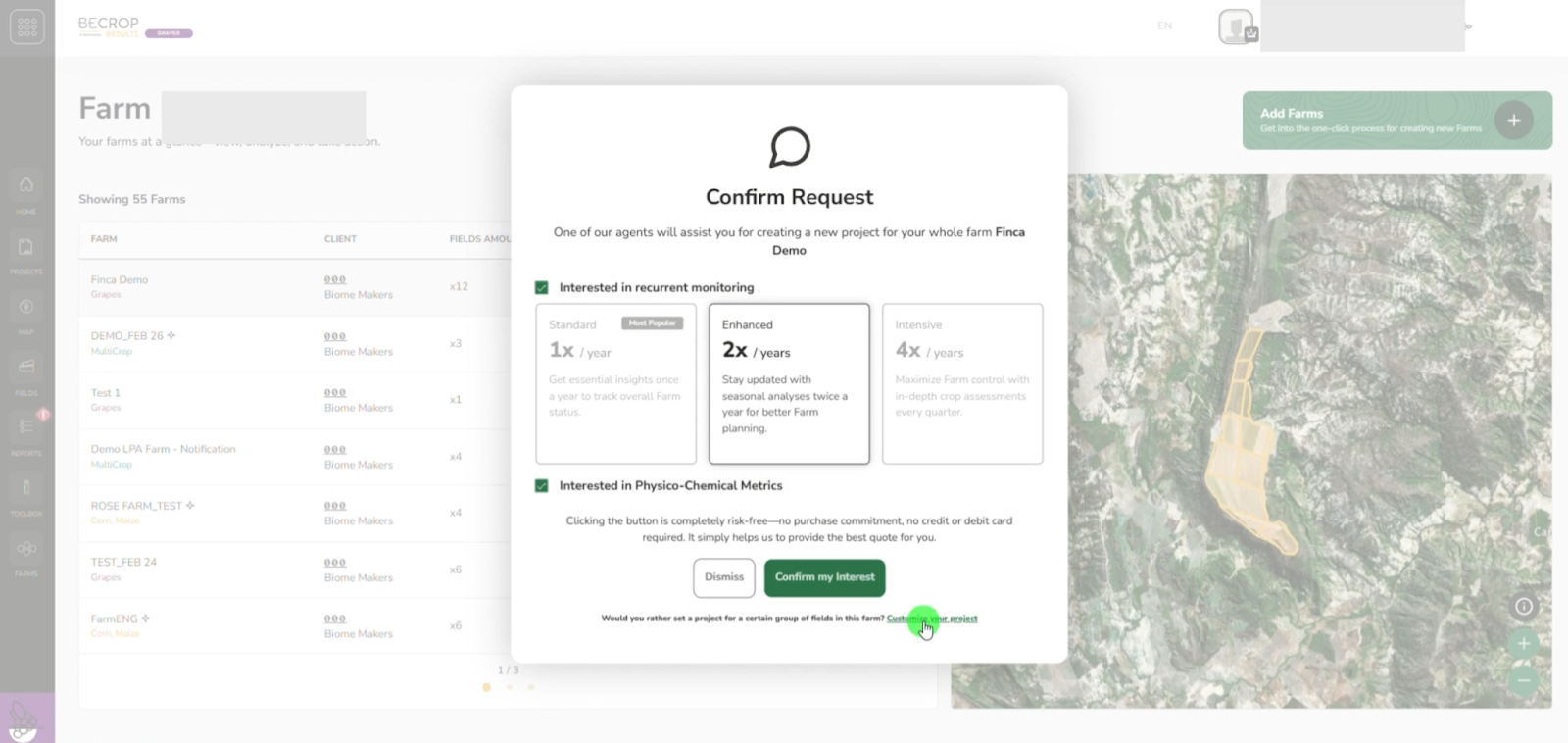
You’ll now be prompted to select or deselect additional project options:
- Recurring Monitoring – Turn this on if you want multiple samplings across the season.
- Physical-Chemical Metrics – Deselect if these are not required for your project.
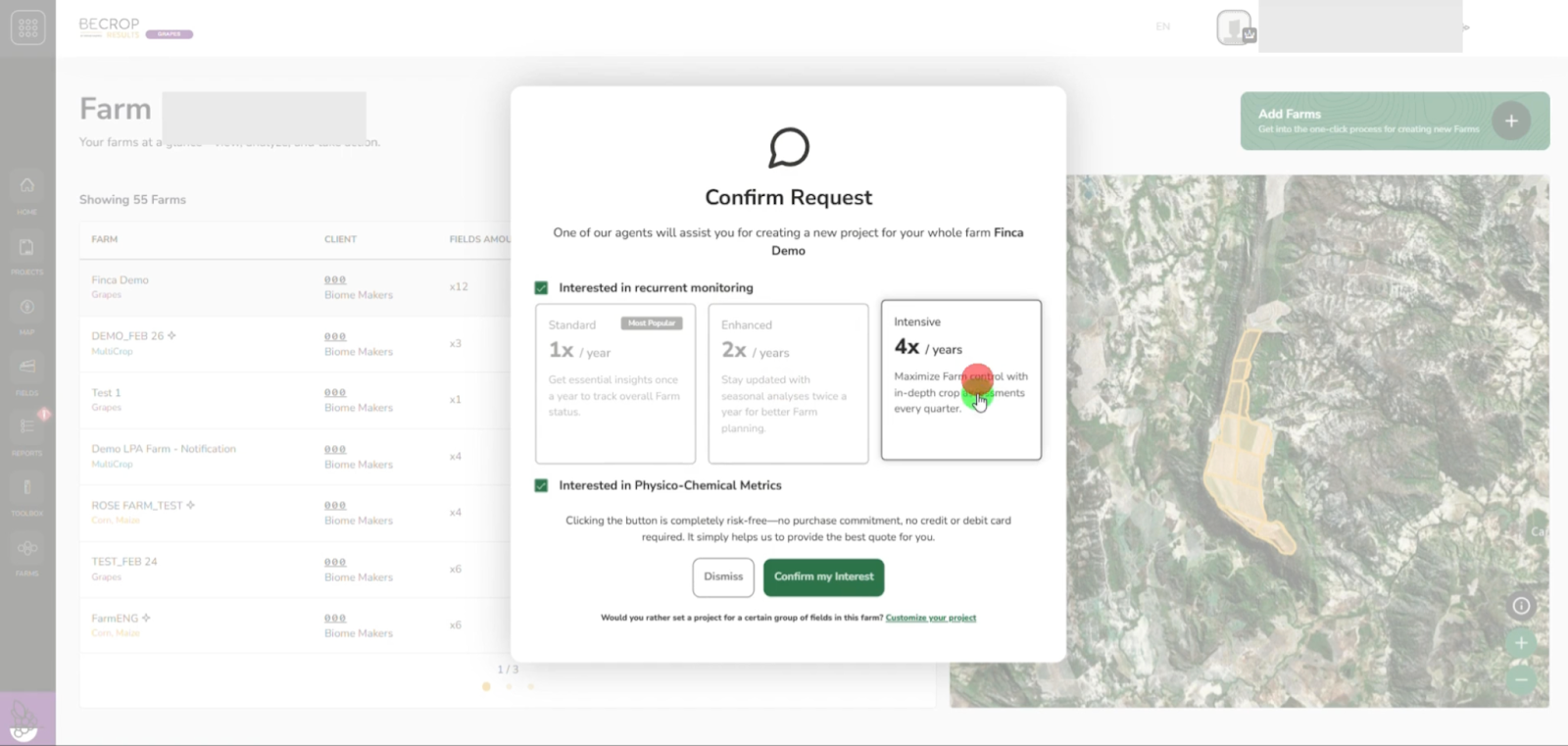
5. Customize Your Project
Click “Customize Your Project” to view and manage individual fields within your farm.
6. Select Fields to Include in Your Quote
Check the boxes next to the fields you’d like analyzed. You can include as many fields as needed.
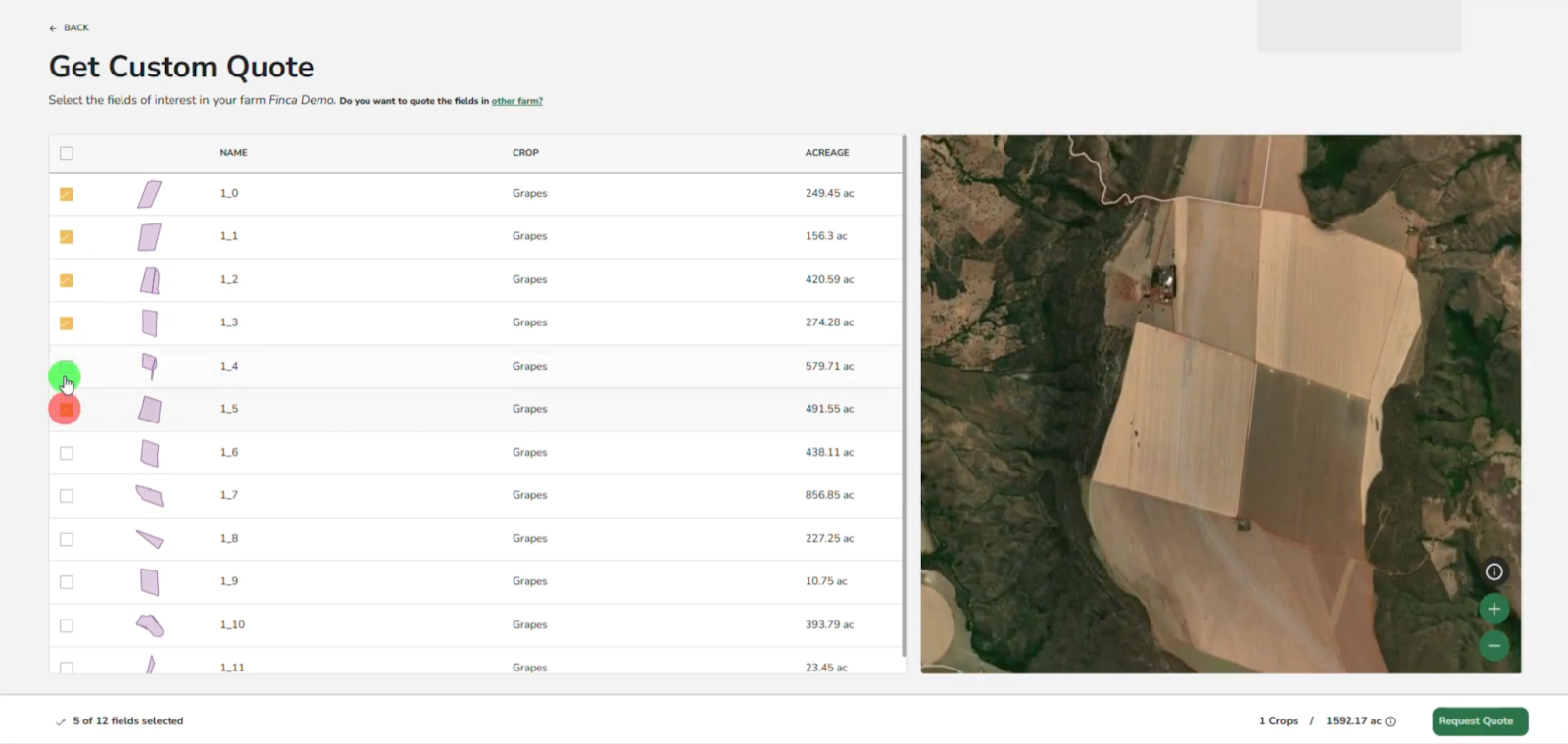
7. Submit the Quote Request
After selecting fields, click “Request for a Quote.”
8. Confirm Your Interest
Click “Confirm My Interest” to finalize and submit your quote request.
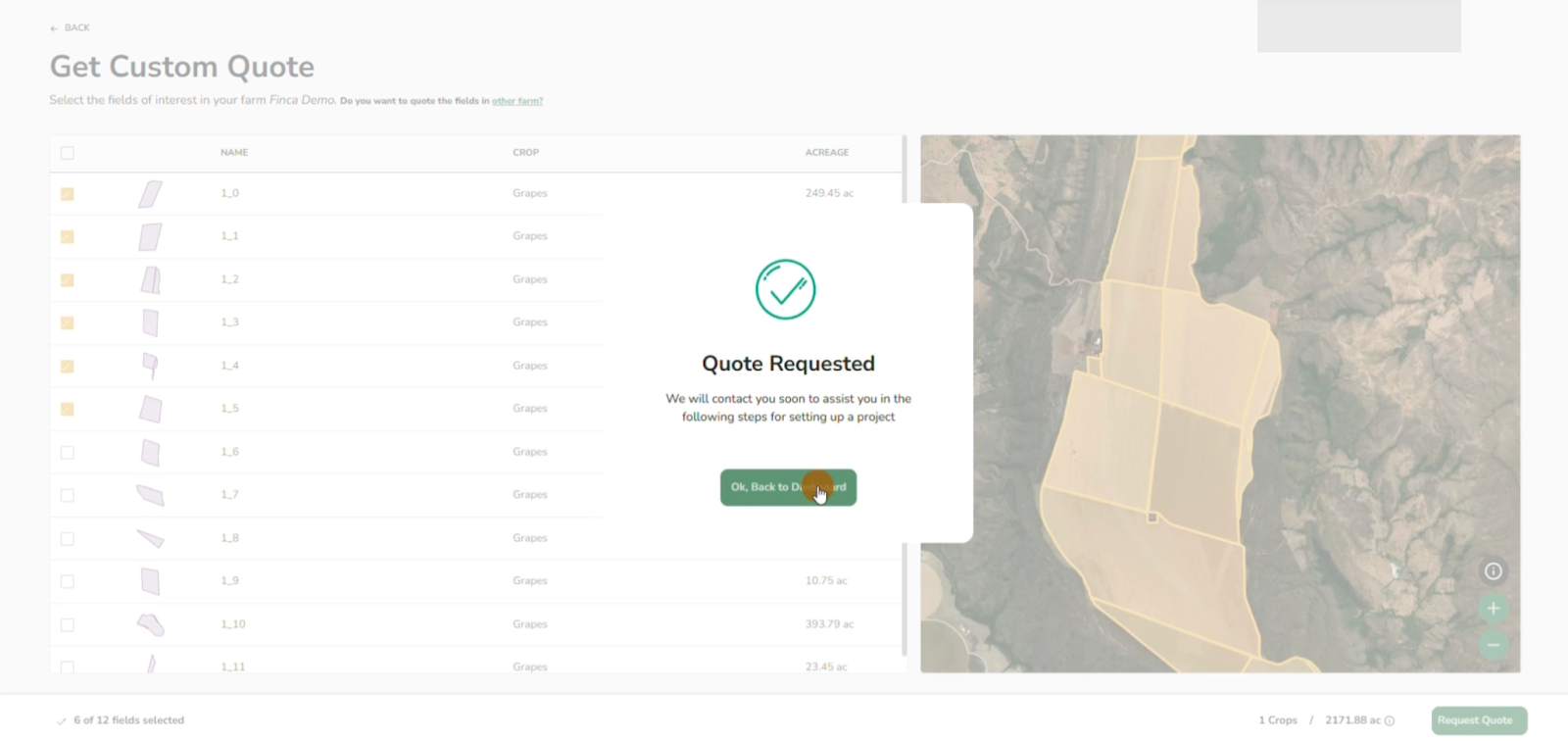
Note: Your request will be reviewed by the Biome Makers team. You’ll receive a quote based on the selected fields and project parameters. If needed, your account manager will contact you to refine the details.